
Everything below the divider is the README content. Paste it into profile/README.md in the Arcadia-Studio/.github repository.
Productivity tools for Obsidian, built by Peter J. Carter. One developer, one ecosystem: a free theme plus five plugins that share a common design language. Every plugin has a working free tier; premium tiers fund continued development.
Store: arcadia-studio.lemonsqueezy.com
| Product | What it does | Free tier | Price (premium) |
|---|---|---|---|
| Arcadia Toolbar | Word-style tabbed ribbon toolbar with formatting, insert, and table commands plus a pinnable table of contents sidebar | All 10 standard tabs, formatting, tables, TOC sidebar | $4/mo or $39/yr |
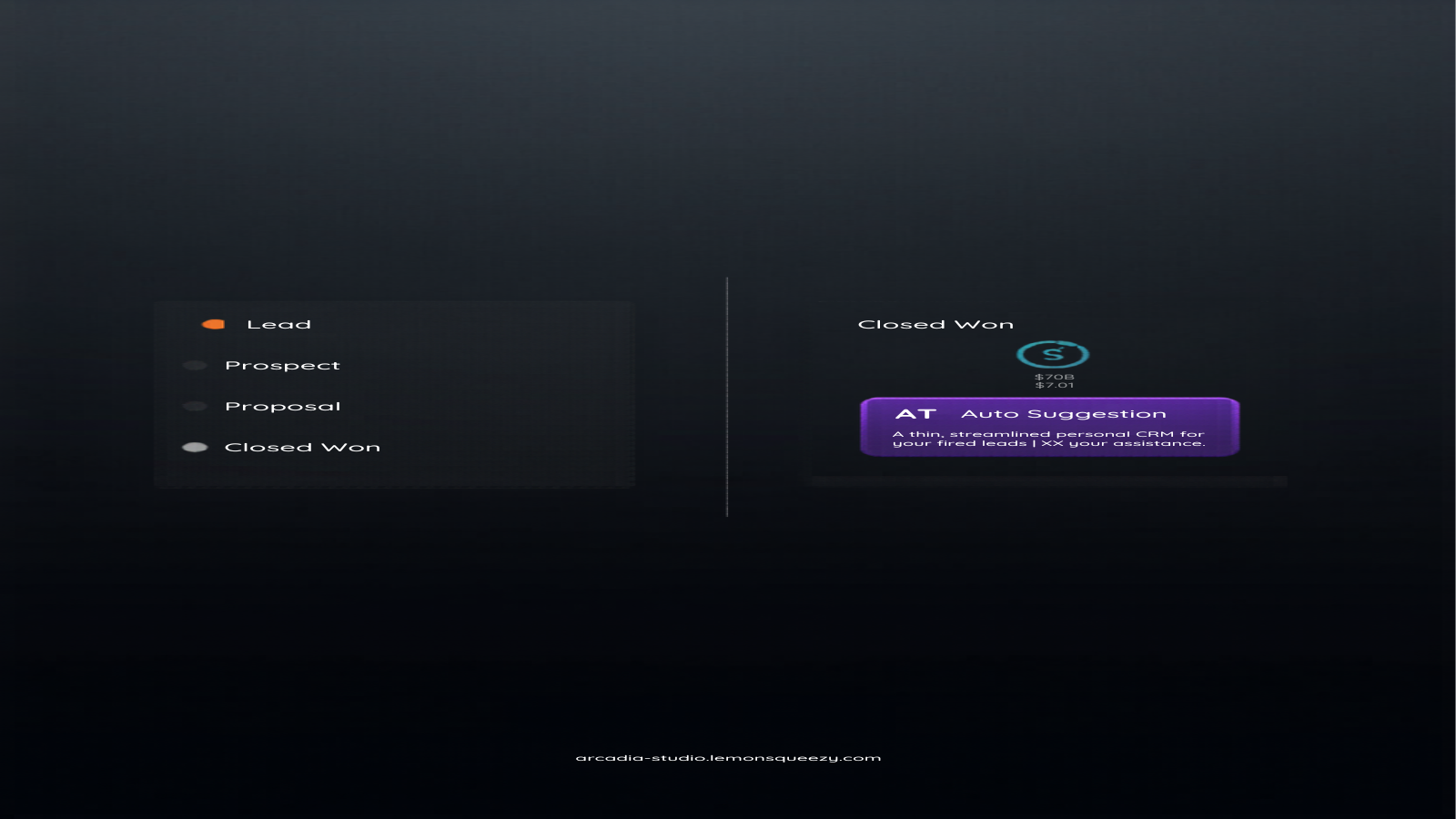
| Arcadia Connect | Personal CRM: @-mentions, people panel, interaction logging, timeline, deal pipeline, BYOK AI follow-up suggestions | All core CRM features including the pipeline board | $5/mo or $45/yr |
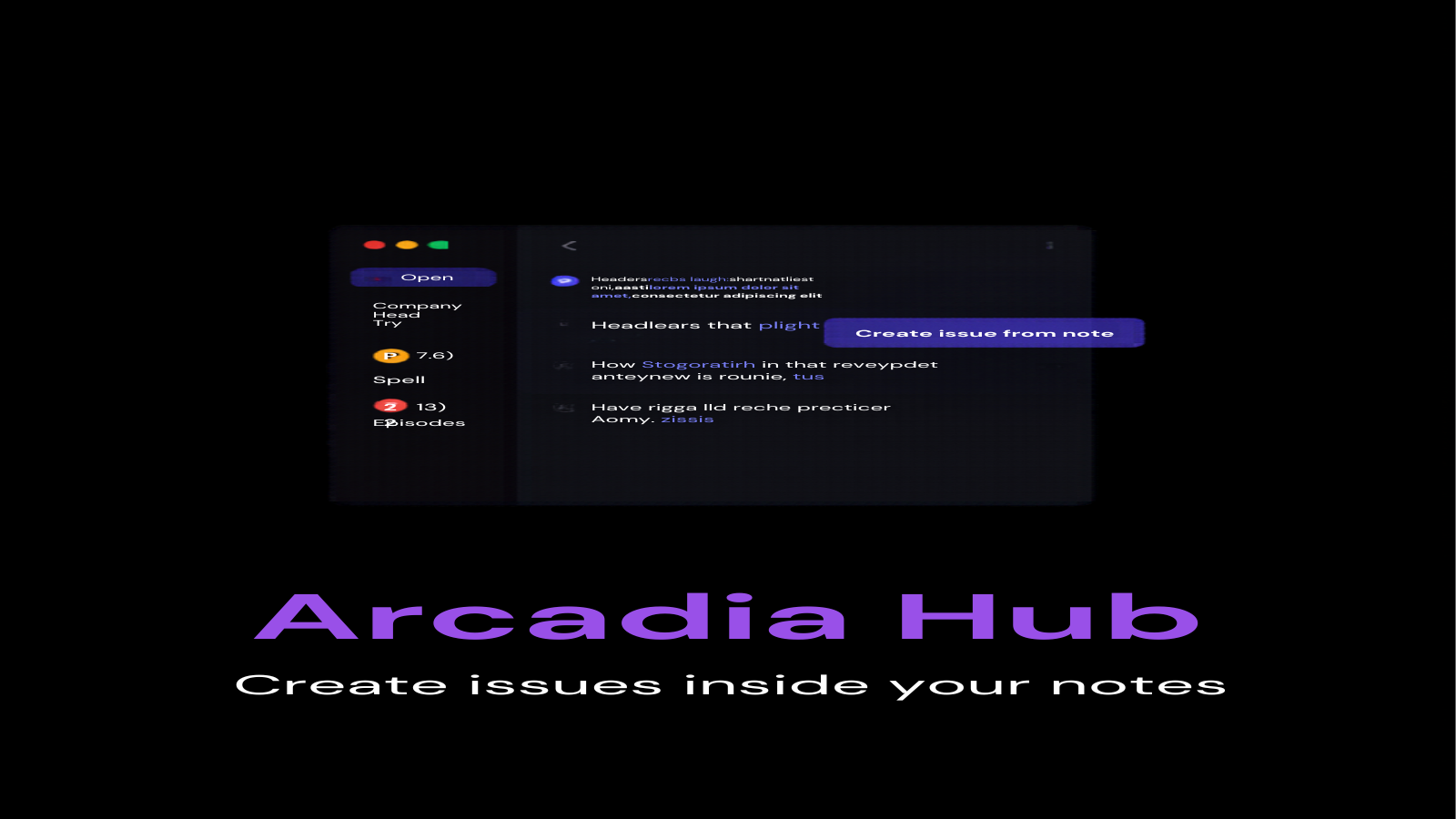
| Arcadia Hub | GitHub integration sidebar: repos, issues, pull requests, CI status, create issues from notes | Full GitHub browsing, issues, PRs, Actions monitoring | $9/mo or $85/yr |
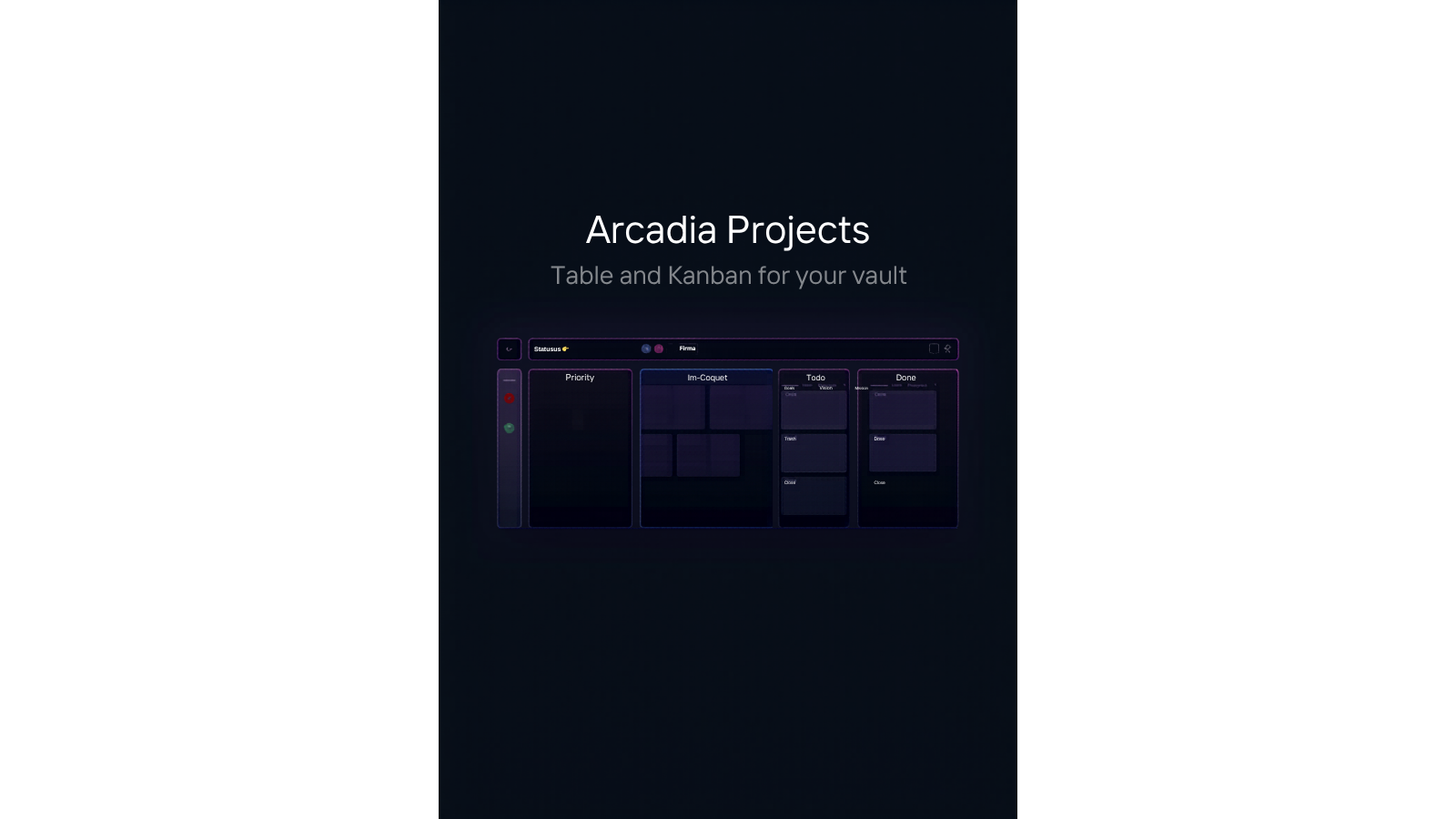
| Arcadia Projects | Project management views over your notes: sortable table and drag-and-drop Kanban synced to frontmatter | Table view, Kanban view, filtering, live sync | $5/mo or $45/yr |
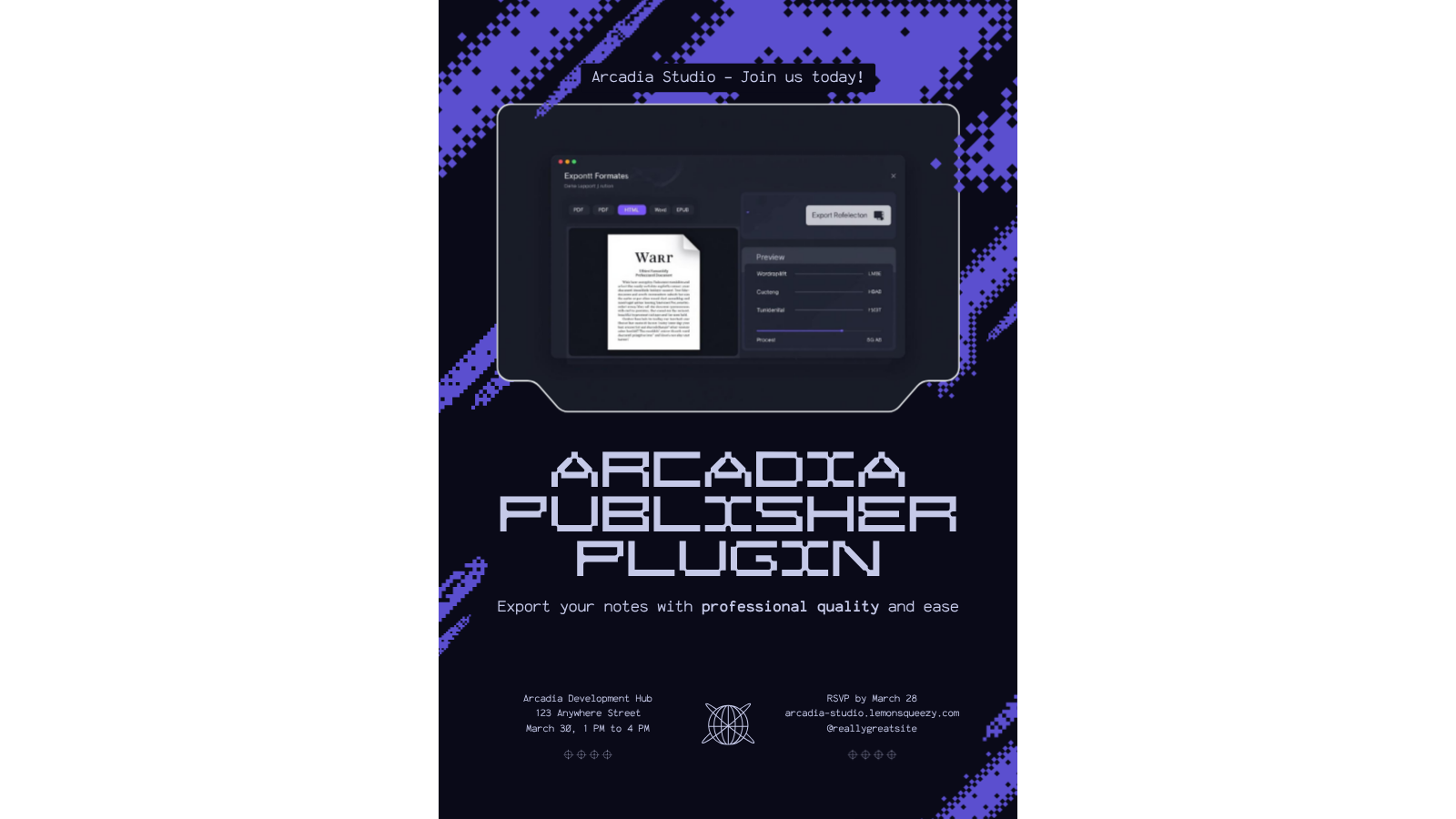
| Arcadia Publisher | Export notes to PDF and HTML with templates; premium adds Word, EPUB, LaTeX, batch export, citations | PDF and HTML export with built-in templates | $5/mo or $45/yr |
| Arcadia Theme | Obsidian theme: 34 color schemes, alternate checkboxes, sticky notes, paper styles, 55+ Style Settings options | Entirely free (MIT) | Free |

Free tiers work without an account, a license key, or a time limit. Premium features unlock with a license key from the store, entered in each plugin's settings tab. One developer maintains all of this; premium purchases are what keep it maintained.
Open an issue on the relevant repository for bugs and feature requests. All repositories accept issues from free and premium users alike.
