8、如何预览
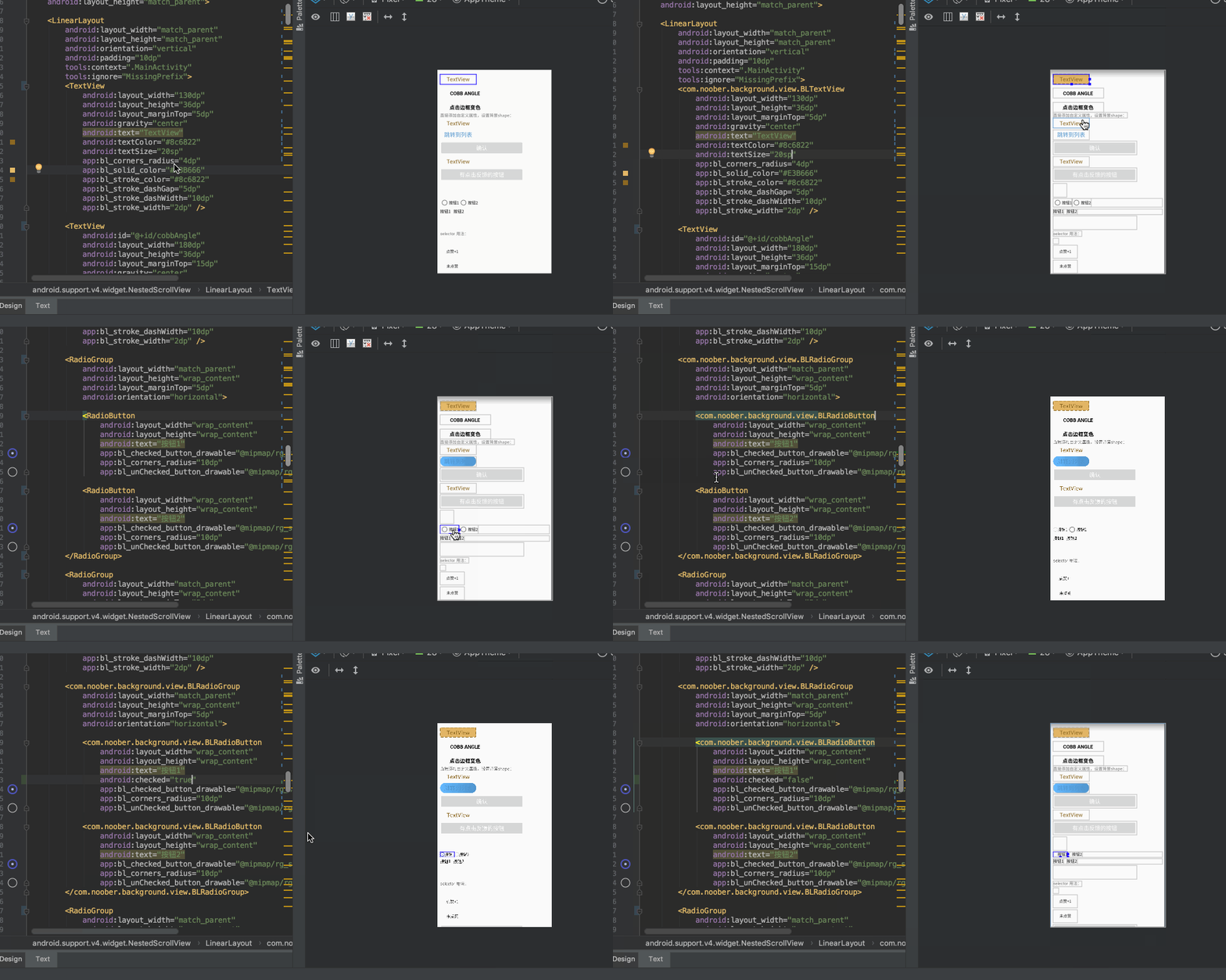
1、如果需要对View进行预览,直接把原来的View换成框架内对应的BLView即可,即可展示预览效果,如果不需要预览可以直接忽略这些用于预览的自定义View;
2、如果没有效果,make project一下即可;
3、如果BLView中没有对应的需要预览的View,可以很简单的自己实现一下,以BLTextView为例:
public class BLTextView extends AppCompatTextView {
    public BLTextView(Context context) {
        super(context);
    }

    public BLTextView(Context context, AttributeSet attrs) {
        super(context, attrs);
        init(context, attrs);
    }

    public BLTextView(Context context, AttributeSet attrs, int defStyleAttr) {
        super(context, attrs, defStyleAttr);
        init(context, attrs);
    }

    private void init(Context context, AttributeSet attrs){
        BackgroundFactory.setViewBackground(context, attrs, this);
    }
}
继承所需要预览的View,然后在构造函数中添加BackgroundFactory.setViewBackground(context, attrs, this)方法即可。