Example projects
cmake-ctest is a simple CMake/CTest project. We can compile and run test:
$ cmake -S. -Bbuild
$ cd build
$ cmake --build .
$ ctest -C Debug
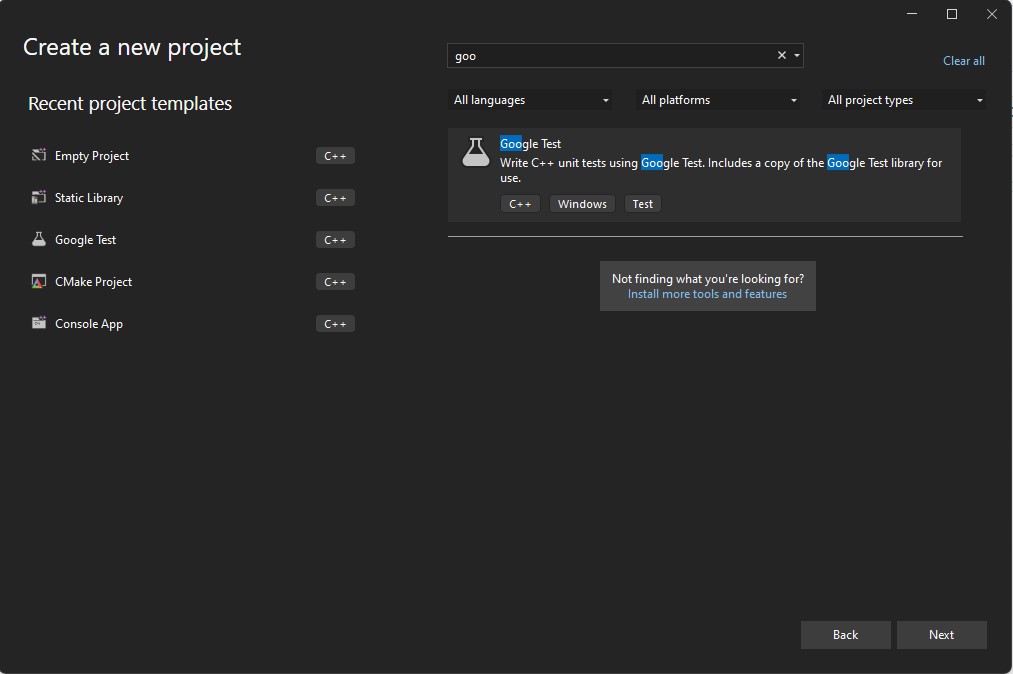
sqrt-gtest-visualstudio is a visual studio solution using simple library project and google test project.
static library project
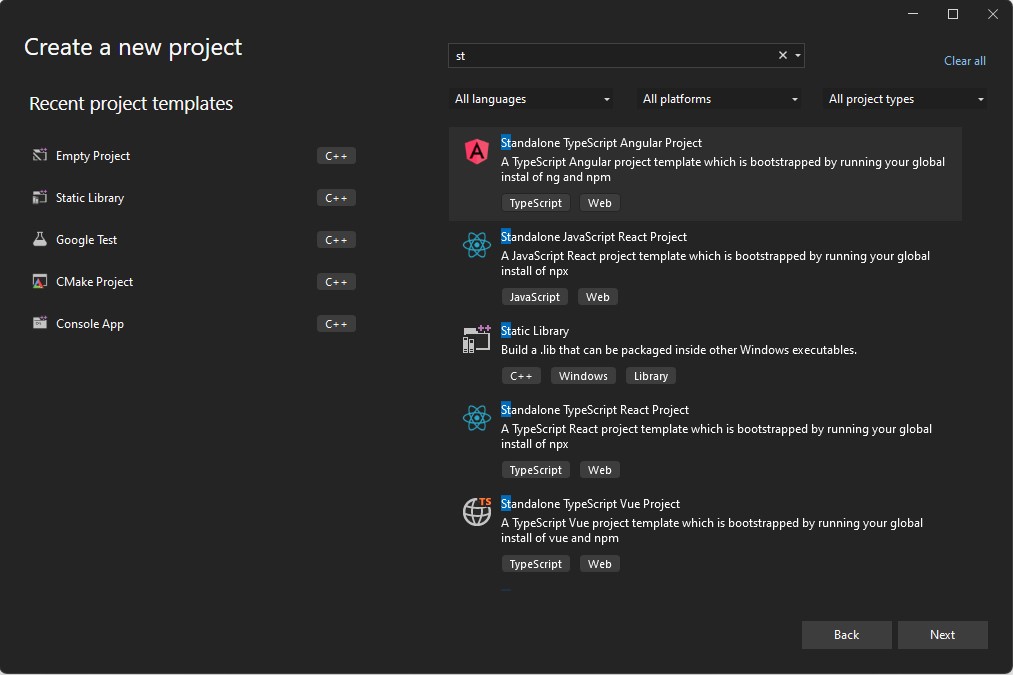
google test project
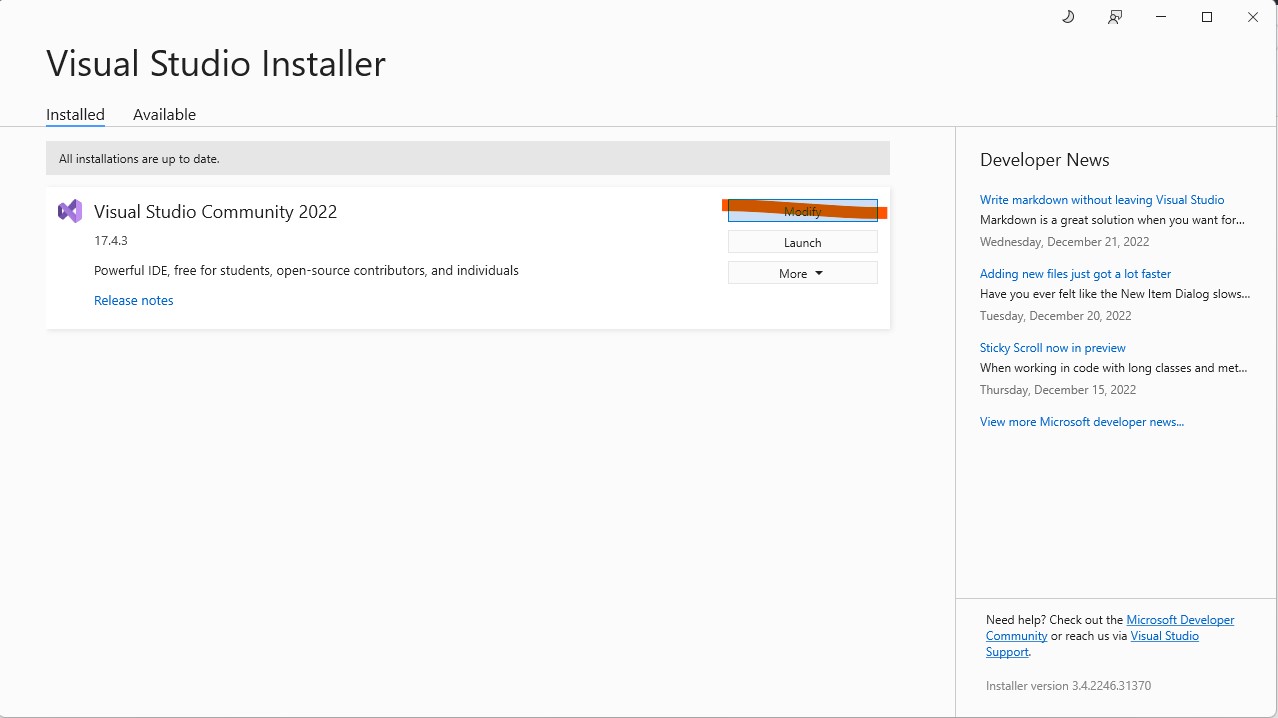
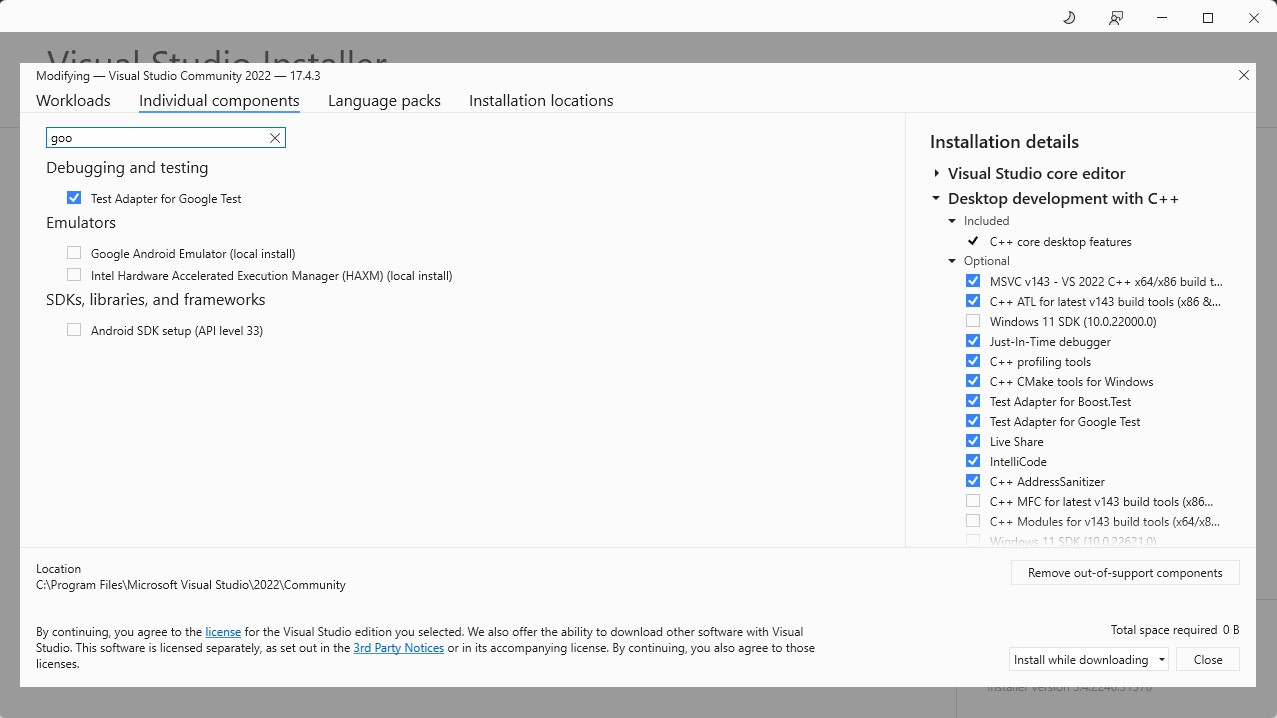
Requirement for sqrt-gtest-visualstudio: Test adapter for google test
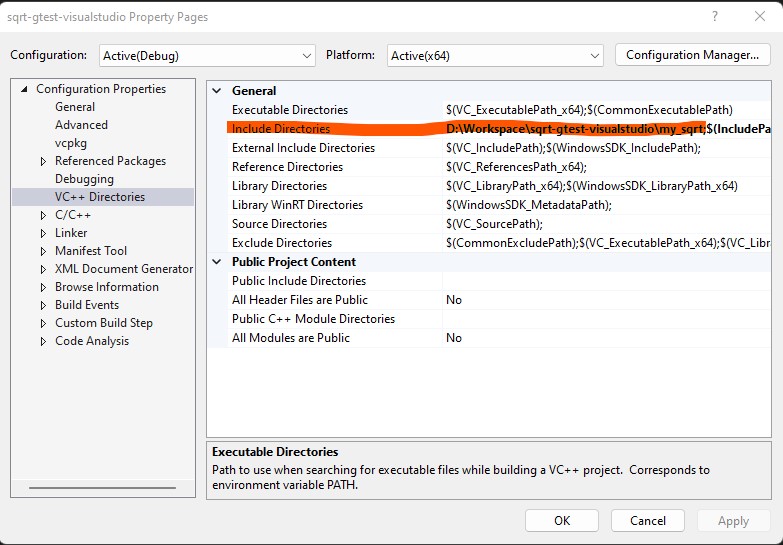
Make sure that include directories for sqrt-gtest-visualstudio project are set properly
sqrt-gtest-vcpkg-cmake is a CMake project, it creates a simple library with my_sqrt function and test it using google test. In order to install google test it uses vcpkg package manager.
a) In order to build the project using visual studio code:
- Install CMake plugin in visual studio code.
- Install vcpkg (https://vcpkg.io/en/getting-started.html)
- View -> Command Palette -> Open User Settings (JSON)
- Add
"cmake.configureOnOpen": true,
"cmake.configureSettings": {
  "CMAKE_TOOLCHAIN_FILE": "[Path to vcpkg]/scripts/buildsystems/vcpkg.cmake"
}
Final settings json file should look like something similar to
{
    "go.toolsManagement.autoUpdate": true,
    "cmake.configureOnOpen": true,
    "cmake.configureSettings": {
        "CMAKE_TOOLCHAIN_FILE": "D:/Workspace/vcpkg/scripts/buildsystems/vcpkg.cmake"
    },
    "redhat.telemetry.enabled": true
}- Build the project using CMake plugin (pick a kit when prompted)
- Run my_sqrt_test project using CMake plugin
b) In order to build the project using command line:
