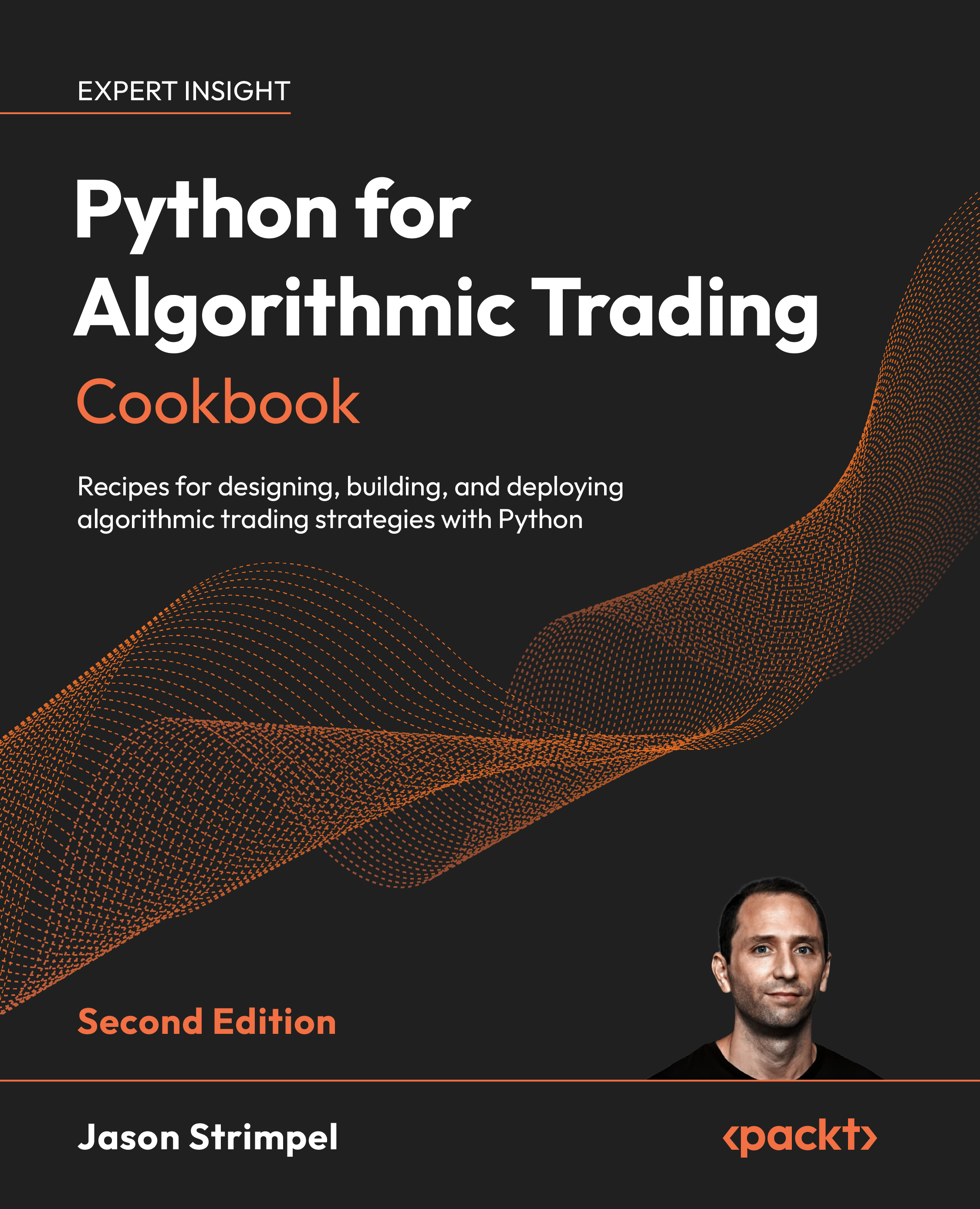
Recipes for designing, building, and deploying algorithmic trading strategies with Python
By Jason Strimpel | Published by Packt
This cookbook takes you from raw market data to live algorithmic trading through 68 hands-on recipes across 15 chapters. The code spans 51 annotated Jupyter notebooks and 17 modular Python trading applications.
The book targets discretionary traders adopting systematic methods, quant developers building production pipelines, and Python programmers entering the algorithmic trading space. Readers should have basic familiarity with Python syntax and libraries like pandas and NumPy.
- Acquire equities, futures, options, and factor data using OpenBB Platform, yfinance, ThetaData, and pandas DataReader
- Process and analyze time series data with pandas, Polars, and DuckDB
- Store and query large datasets with ArcticDB and Parquet
- Build interactive dashboards with Plotly Dash and Streamlit
- Conduct AI-powered market research with LangChain and LlamaIndex
- Engineer alpha factors using PCA, Fama-French models, regression, and technical indicators
- Backtest strategies with VectorBT and Zipline Reloaded
- Evaluate factor quality and portfolio risk with Alphalens Reloaded and Pyfolio Reloaded
- Build a modular trading application on top of the Interactive Brokers API
- Deploy live strategies including factor portfolios, options combos, and intraday mean reversion
- Accelerate quantitative research and trading with GPUs
Total: 72 recipes across 51 Jupyter notebooks, 17 Python trading applications, and 4 GPU-accelerated Python scripts
The code in this book deliberately omits type hints for brevity. Recipes prioritize readability and minimal boilerplate so you can focus on the trading logic rather than type annotations. In a production codebase you would add type hints, but in a cookbook context where each recipe is a self-contained example, the extra syntax adds noise without adding clarity.
Chapters 1 through 11 use Jupyter notebooks. Each notebook follows a consistent pattern:
- Imports at the top. Every notebook begins with a single cell that imports all required libraries. Standard aliases are used throughout:
pdfor pandas,npfor NumPy,pltfor Matplotlib. - Minimal abstractions. Code is written procedurally rather than wrapped in classes or deeply nested functions. This makes each cell self-contained and easy to modify in isolation.
- Inline comments over docstrings. Since notebooks have markdown annotation cells above each code cell, the code itself uses short inline comments only where the intent isn't obvious from the code.
- Display calls for verification. Notebooks use
print()and direct variable evaluation to show intermediate results, making it easy to verify each step produces the expected output.
Chapters 12 through 14 build a modular trading application using standalone Python files. The architecture follows a consistent module structure across all 17 recipe directories:
app.py— Entry point. ComposesIBWrapperandIBClientvia multiple inheritance, connects to TWS/IB Gateway, and launches the message processing thread.wrapper.py— Callback handler. Implements EWrapper methods to receive market data, order status, position updates, and account information from Interactive Brokers.client.py— Request sender. Extends EClient with convenience methods for requesting data, submitting orders, and querying account state.contract.py— Instrument definitions. Factory functions that return configured IB Contract objects for equities, options, futures, and combos.order.py— Order definitions. Factory functions for market, limit, stop, and combo orders with standard parameterization.utils.py— Shared utilities. Helper functions for data conversion, logging, and database operations.
Each recipe directory (labeled a. through q.) represents an incremental extension of the same codebase. Recipe a. scaffolds the base application; each subsequent recipe adds one capability (contracts, orders, historical data, streaming, order execution, etc.) while preserving the module structure.
- Python 3.11 is the target runtime. All notebooks specify
Python 3 (ipykernel)as the kernel. - f-strings are used for string formatting throughout.
- List comprehensions are preferred over
map()/filter()for transformations. warnings.filterwarnings("ignore")is used in notebooks where library deprecation warnings would clutter output without affecting results.- No walrus operator (
:=). The code sticks to conventional assignment for maximum readability across skill levels. - Explicit over implicit. Variables are named descriptively (e.g.,
momentum_factor,rolling_sharpe,target_weights) rather than abbreviated. - One concept per cell. Each notebook code cell performs a single logical operation — one data fetch, one transformation, one visualization — making recipes easy to follow step-by-step.
Installation instructions for each library are included in the chapter where it's first used.
| Chapter(s) | Software | Version | Notes |
|---|---|---|---|
| 1–11 | Python | 3.11 | Target runtime for all notebooks |
| 1–11 | Jupyter Notebook | — | Required for all notebook-based chapters |
| 1–11 | pandas | 2+ | Core data manipulation library |
| 1–4 | OpenBB Platform | 4+ | Market data acquisition (equities, futures, options) |
| 1 | pandas DataReader | — | Fama-French factor data |
| 1 | yfinance | — | Yahoo Finance market data (via OpenBB provider) |
| 1 | ThetaData | — | Options market data (requires API key) |
| 2 | NumPy | — | Numerical operations |
| 3 | DuckDB | 1.4.2 | In-process analytical SQL engine |
| 3 | Polars | 1.35.2 | High-performance DataFrame library |
| 3 | PyArrow | — | Parquet file I/O and columnar data format |
| 4 | Matplotlib / Seaborn | — | Static data visualization |
| 4 | Plotly | 6.5.0 | Interactive charts |
| 4 | Streamlit | 1.51.0 | Dashboard framework |
| 5 | ArcticDB | 5.1.1 | Versioned time series database (conda install) |
| 6 | LangChain | 0.3.x | LLM orchestration for market research |
| 6 | LlamaIndex | 0.12.x | Document indexing and retrieval |
| 7 | scikit-learn | — | PCA, regression, and factor model estimation |
| 7 | statsmodels | — | Statistical modeling and Fama-French regression |
| 7 | TA-Lib | — | Technical analysis indicators |
| 8 | VectorBT | 0.28.1 | Vectorized backtesting framework |
| 9 | Zipline Reloaded | 3.1.1 | Event-driven backtesting engine |
| 10 | Alphalens Reloaded | 0.4.6 | Factor performance evaluation |
| 11 | Pyfolio Reloaded | 0.9.9 | Portfolio analytics and risk reporting |
| 12–14 | Interactive Brokers API (ibapi) |
— | Live trading connectivity |
| 14 | empyrical | — | Real-time performance metrics |
| 14 | exchange_calendars | — | Trading calendar schedules |
| 14 | python-dotenv | — | Environment variable management |
| 15 | RAPIDS cudf.pandas | — | GPU-accelerated pandas operations (requires NVIDIA GPU) |
| 15 | RAPIDS cuml.accel | — | GPU-accelerated scikit-learn estimators (requires NVIDIA GPU) |
| 15 | nx-cugraph | — | GPU-accelerated NetworkX backend (requires NVIDIA GPU) |
| 15 | CVXPY + NVIDIA cuOpt | — | GPU-accelerated convex optimization solver (requires NVIDIA GPU) |
Operating System: Windows, macOS, or Linux. ArcticDB requires conda for installation.
├── 01. Acquire Free Financial Market Data.../     # 4 notebooks
├── 02. Analyze and Transform.../                  # 10 notebooks
├── 03. Accelerate Financial Market Data.../       # 5 notebooks
├── 04. Visualize Financial Market Data.../        # 4 notebooks
├── 05. Build a Quantamental Research.../          # 4 notebooks
├── 06. Conduct Market Research.../                # 5 notebooks
├── 07. Build Alpha Factors.../                    # 5 notebooks
├── 08. Vector-Based Backtesting.../               # 3 notebooks
├── 09. Event-Based Backtesting.../                # 2 notebooks
├── 10. Evaluate Factor Risk.../                   # 4 notebooks
├── 11. Assess Backtest Risk.../                   # 5 notebooks
├── 12. Set Up the Interactive Brokers.../         # 7 trading apps (a–g)
├── 13. Manage Orders, Positions.../               # 5 trading apps (h–l)
├── 14. Deploy Strategies.../                      # 5 trading apps (m–q)
├── 15. Advanced Recipes.../                       # 4 GPU-accelerated scripts
├── LICENSE
└── README.md
Each chapter directory contains its own README.md with a detailed overview, a Python libraries table, and links to each recipe's notebook or trading application.
All code is for educational purposes only. Nothing provided here is financial advice. Use at your own risk.
Jason Strimpel has spent 20+ years inside real trading environments building, trading, and managing risk across the U.S., Europe, and Asia. He started on a Chicago hedge fund desk, went on to become a Risk Manager at JPMorgan, and later worked as a derivatives trader and risk quant. In London, he led production risk technology for an energy derivatives firm. In Singapore, he stepped into executive leadership as APAC CIO, and built the data science function for a global metals trading firm. Jason runs PyQuant News — a publication focused on practical, real-world algorithmic trading with Python. Today, he shares the exact frameworks, tooling, and workflows used in professional environments through:
- The PyQuant Newsletter
- His course, Getting Started With Python for Quant Finance (1,700+ students)