Easily install Rocky Linux 10.2 paired with NVIDIA drivers and your choice of KDE Plasma or GNOME desktop environments.
Warning
I am not liable for any loss of data with the use of these scripts. Always take backups of your important data before tinkering.
Tip
Watch the full step-by-step walkthrough below.
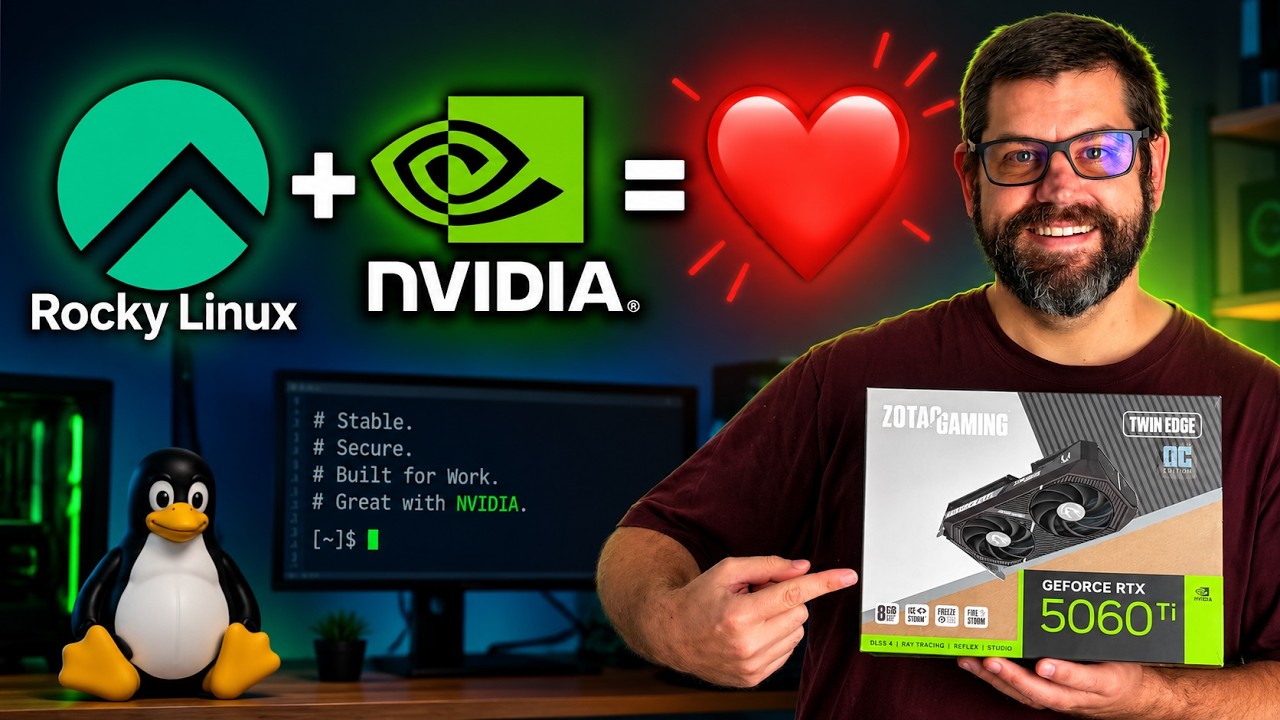
NVIDIA splits its driver support based on the presence of an on-chip hardware component called the GSP (GPU System Processor).
The main production scripts utilize the modern, open-source kernel modules (nvidia-open). These have been fully tested on a 5060 Ti and support the following architectures:
- Blackwell (RTX 50xx)
- Ada Lovelace (RTX 40xx)
- Ampere (RTX 30xx)
- Turing (RTX 20xx / GTX 16xx)
Older architectures do not support the open driver and require the proprietary closed-source driver (cuda-drivers). These are labeled as Legacy in this repository and cover:
- Volta
- Pascal (GTX 10xx)
- Maxwell (GTX 9xx)
Note
🧪 Call for Testers: The legacy scripts are currently experimental. If you have older hardware and are willing to test them, please reach out to me on social media! Shoutout to @Mark-gw9vm for testing. He found out that the legacy install needs -580 in order to work properly. Much appreciated.
- Download the Rocky Linux 10.2 DVD ISO from the Official Rocky Linux Download Page.
- During the installation process, ensure you select
Server(without GUI) under the Software Selection screen.
Once your system boots into the terminal (TTY), log in and execute the following commands to clone the repository and run the setup:
# 1. Install Git
sudo dnf install git -y

# 2. Clone the repository and navigate into it
git clone https://github.com/TheLinuxITGuy/Rocky-Scripts.git && cd Rocky-Scripts

# 3. Make the scripts executable
chmod u+x *.sh

# 4. Run the installation script of your choice (KDE example below)
./"KDE - NVIDIA Install.sh"