




English | 中文
This code repository is undergoing multi-platform migration. The code is not yet complete. Please stay tuned.
ShowcaseApp transforms your devices into digital photo frames. It brings local photos and network image sources together in customizable layouts, from slideshows and photo walls to Waterfall, Focus Photo Wall, and Duo Fold transitions. Weather, photo EXIF information, and optional AI image summaries add context to your photos as they play.


The iOS version is still on TestFlight.

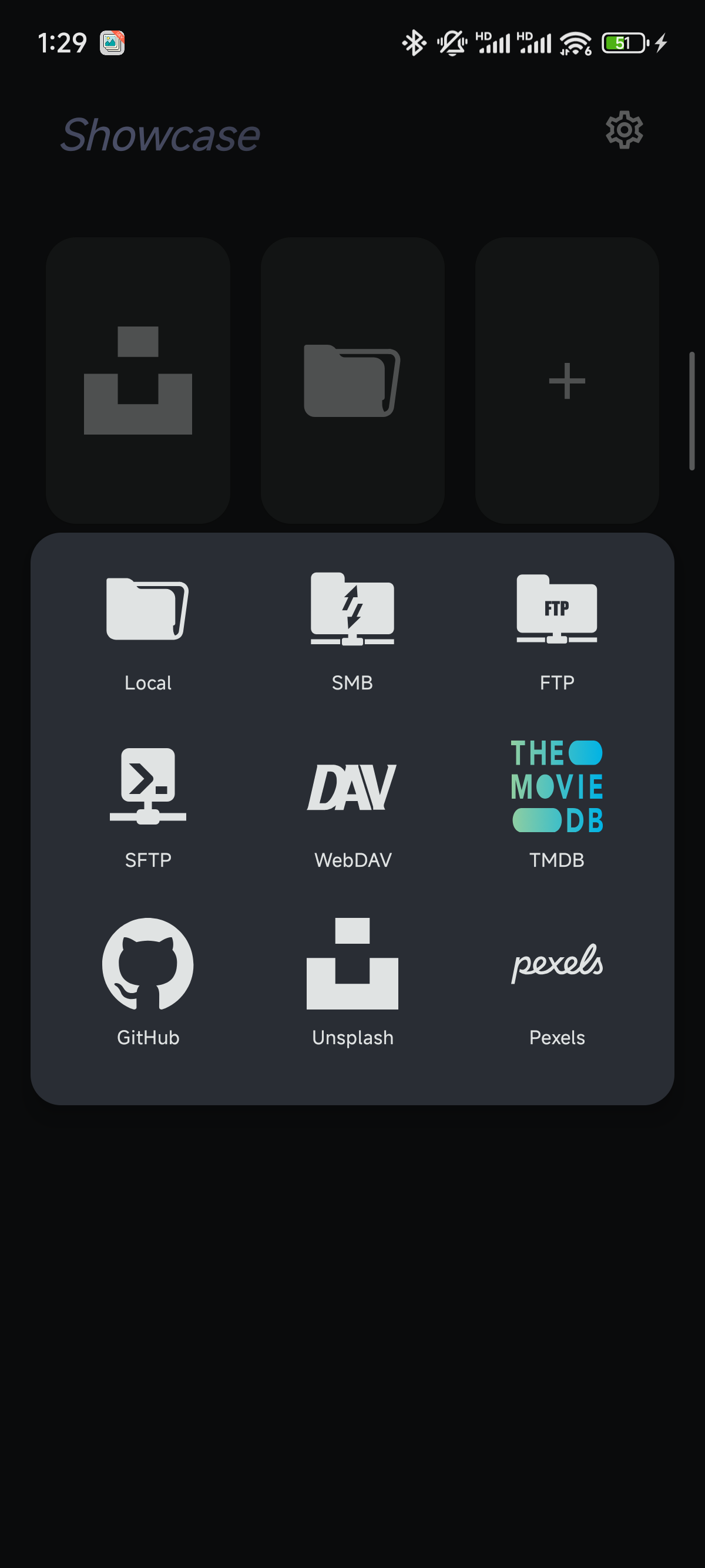
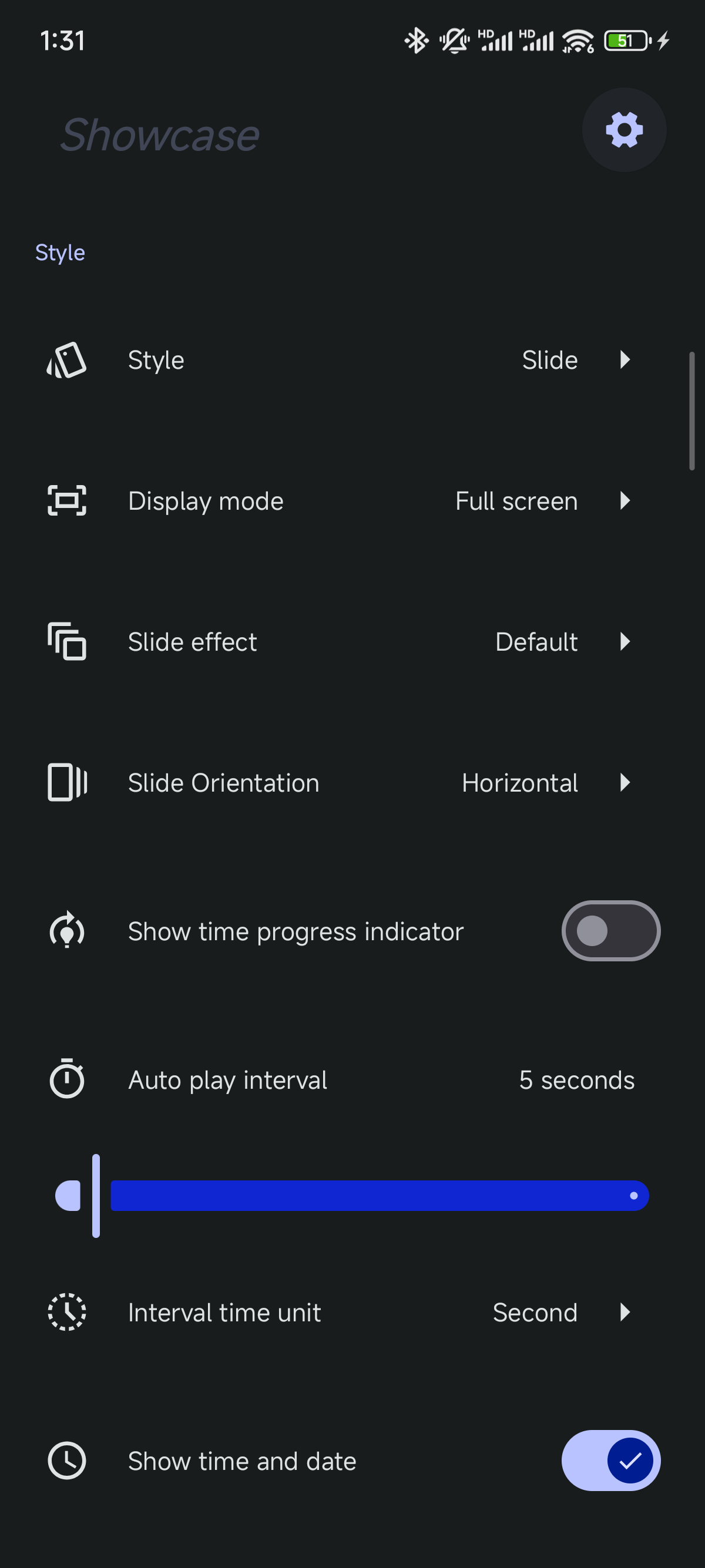
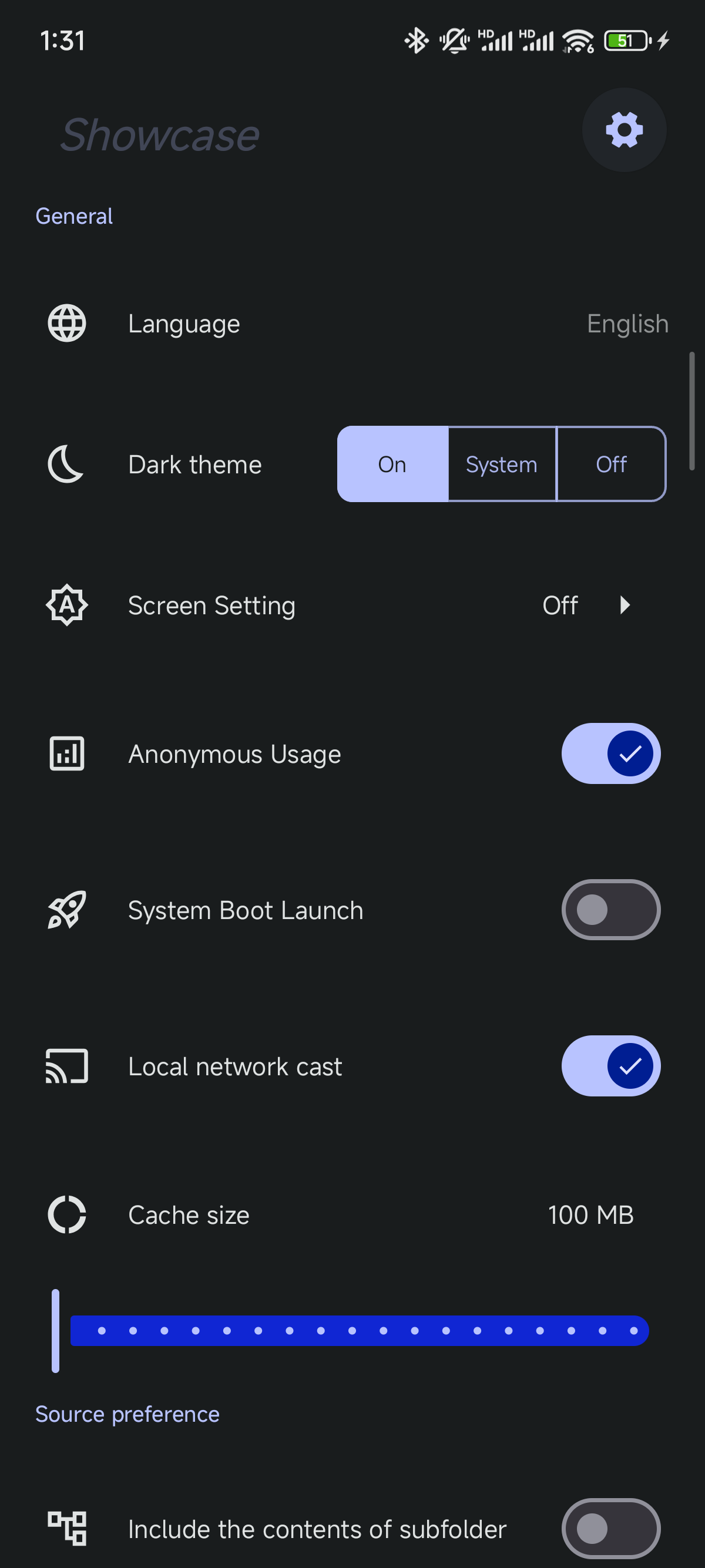
Screen_recording.mp4
- Local device storage
- FTP/SFTP servers
- SMB network shares
- WebDAV repositories
- TMDB movie posters (Now playing, Upcoming, Top rated and Popular)
- Unsplash image source (Your liked photos or collections)
- Pexels image source (Your collections)
- GitHub repositories (with Image/Video files)
| Style | Highlights |
|---|---|
| Slideshow | Browse photos with Cube, Reveal, Carousel, and Flip effects, with configurable playback intervals and image fitting. |
| Fade | Gentle fade transitions between photos. |
| Picture Wall | Display multiple photos in a grid with configurable rows, columns, and frames. |
| Calendar | Combine photos with a calendar and optional automatic playback. |
| Bento | Arrange photos in a collage of differently sized tiles. |
| Waterfall | Automatically scroll through a staggered photo layout vertically or horizontally; adjust the column or row count, scroll speed, and spacing. |
| Focus Photo Wall | Move across a photo wall while enlarging the photo in focus; adjust its display duration, photo size, focus emphasis, spacing, and image fitting. |
| Duo Fold (Slideshow effect) | Turn photos with a folding transition, perspective, and gradient blur. The optional full-view effect pulls the image back during the turn and restores it afterward. |
To use Duo Fold, select Slide → Slide effect → Duo Fold in the display settings. Full view during page turn controls the pullback effect. Duo Fold requires Android 12 or later with hardware acceleration, or a desktop/iOS environment with blur support. It is currently unavailable in browsers; unsupported devices hide the option and fall back to a regular slide transition for saved Duo Fold settings.
- Enable Show time and date to display the clock, date, weekday, current temperature in Celsius, and weather conditions during playback.
- Weather icons and animated backgrounds reflect the current conditions, with weather data refreshed automatically.
- Weather requires network access and an available location. Allow location access when prompted; if weather cannot be loaded, the clock and date remain visible.
- In Slideshow, Fade, and Calendar modes, interact with a photo to reveal its information overlay, which automatically hides after a short time.
- View available details such as capture time, camera and lens, aperture, shutter speed, ISO, focal length, image dimensions, and file size. Photos with location metadata can also show where they were taken.
- The displayed fields depend on the photo and its source. Photos without EXIF data still play normally and show any available basic file information.
- Image summaries: Generate a description, a short caption, and tags for the displayed photo in Slideshow, Fade, and Calendar modes. The requested output language follows the app's current language.
- Reuse and retry: Generated summaries are cached for reuse. Double-click or double-tap the summary area to regenerate a result or retry a failed request.
To enable image summaries:
- Open the AI configuration in settings and add an AI Image Understanding service using your own Base URL, API Token, and a model that supports image understanding.
- Select the configuration, then enable Show AI image summaries in the Slideshow, Fade, or Calendar settings.
- Start playback. Summaries appear automatically as photos are displayed.
AI image summaries are available in Android, iOS, and desktop clients; browser versions hide these controls. Images are sent to the model service you configure for processing.
For developers, the Kotlin Multiplatform AI capability module is included in this repository. See AI module and build instructions.
Manage image sources and customize each display style, including playback intervals, image fitting, and layout options. Configure sorting, include subfolders, refresh sources automatically, or open playback in full screen to suit your photo frame setup.
The idea for ShowcaseApp came from two main inspirations:
- The elegant Picture Wall screensaver on macOS that turns any folder of images into a beautiful visual display
- A desire to repurpose idle Android devices photo or pad as digital photo frames for displaying cherished memories
As an Android engineer, I wanted to combine these concepts into a single, polished application that would breathe new life into unused devices while creating an aesthetically pleasing way to enjoy photos.
💖 Sponsors
A huge thank you to all the individuals and organizations that support this project. Your contributions help keep the project alive and allow me to dedicate more time to its development. Checkout this List.
If you find ShowcaseApp useful and would like to support its continued development, your donations are greatly appreciated. Contributions of any size or leave a good review can help maintain the app, add new features, and improve performance. Ways to contribute or support:

All supporters will be acknowledged in the app's credits (unless you prefer to remain anonymous). For substantial contributions, you'll gain early access to beta features and a direct line to provide feature suggestions.


This project uses a dual-license model:
- Noncommercial use: PolyForm Noncommercial 1.0.0
- Commercial use: requires a separate written agreement, see COMMERCIAL_LICENSE.md
See LICENSE for the license selector and scope.
The Web build of ShowcaseApp uses MiSans Normal, provided by Xiaomi Inc. MiSans is governed by the separate MiSans Font Intellectual Property License Agreement and is not covered by ShowcaseApp's dual-license terms. See the official MiSans website for more information.