This is yet another pomodoro timer for mobile (now, android OS supported).
Very simple.
- 30-minute Pomodoro timer.
- Timer starts automatically when the application is launched.
- Tap to stop and resume.
- Long tap resets the timer.
| 0 - 25 minutes color | 25 - 30 minutes color | Settings |
|---|---|---|
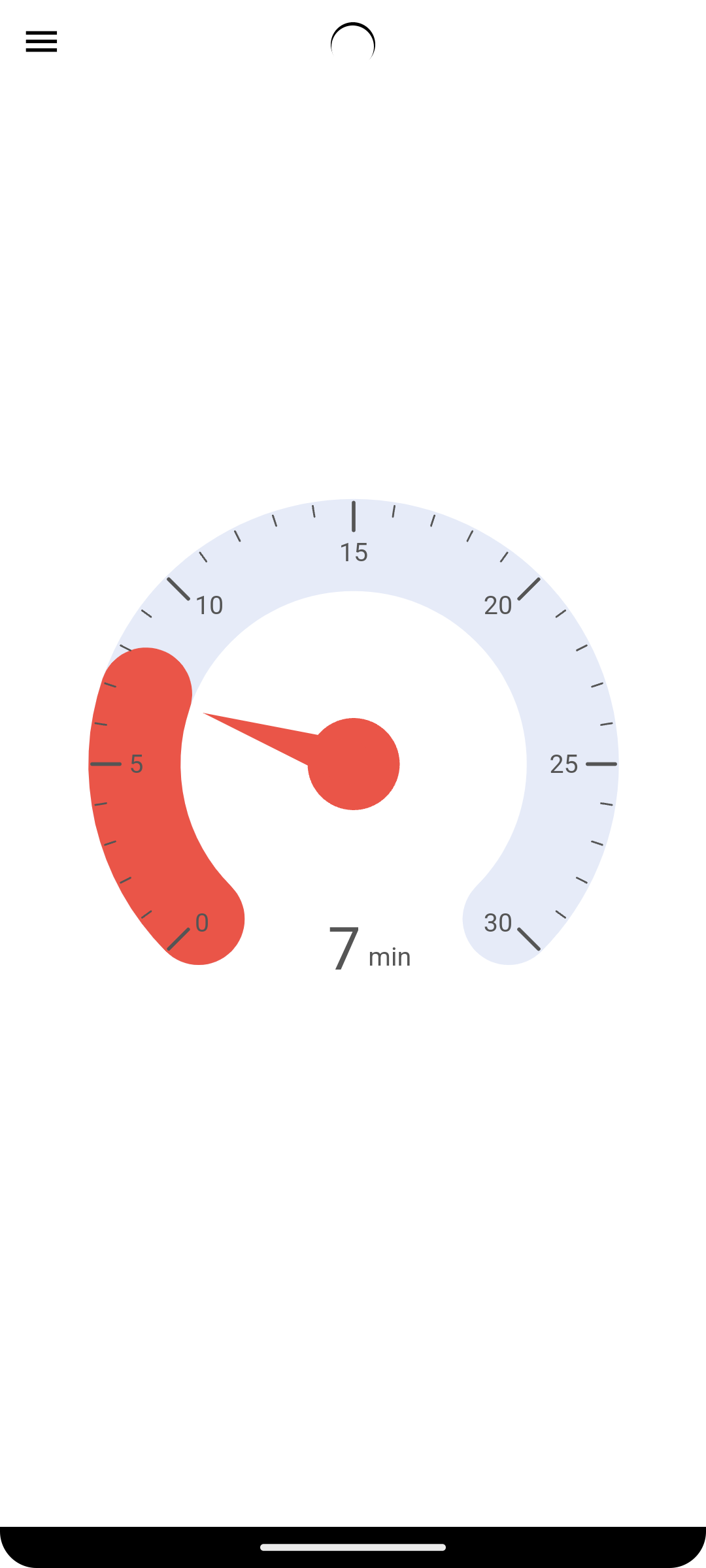 |
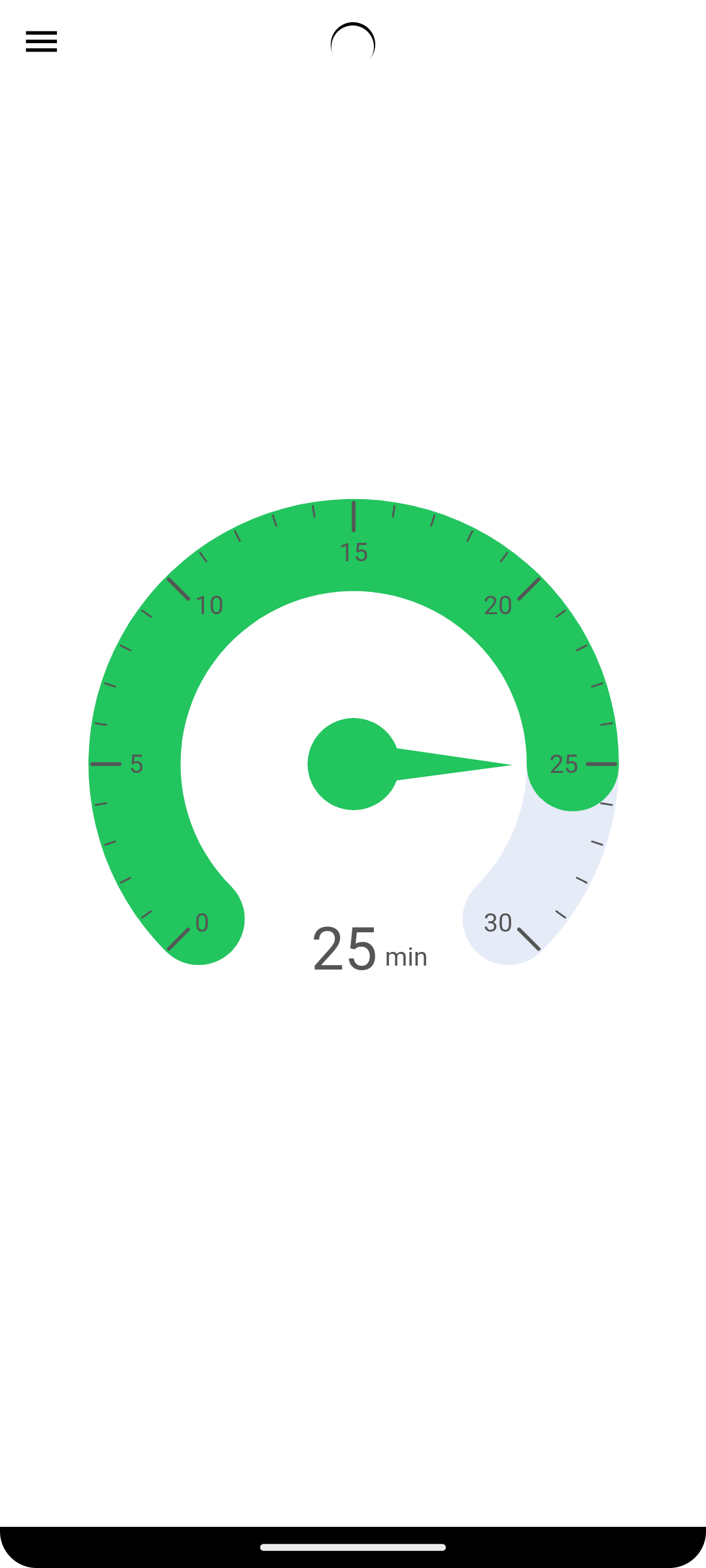 |
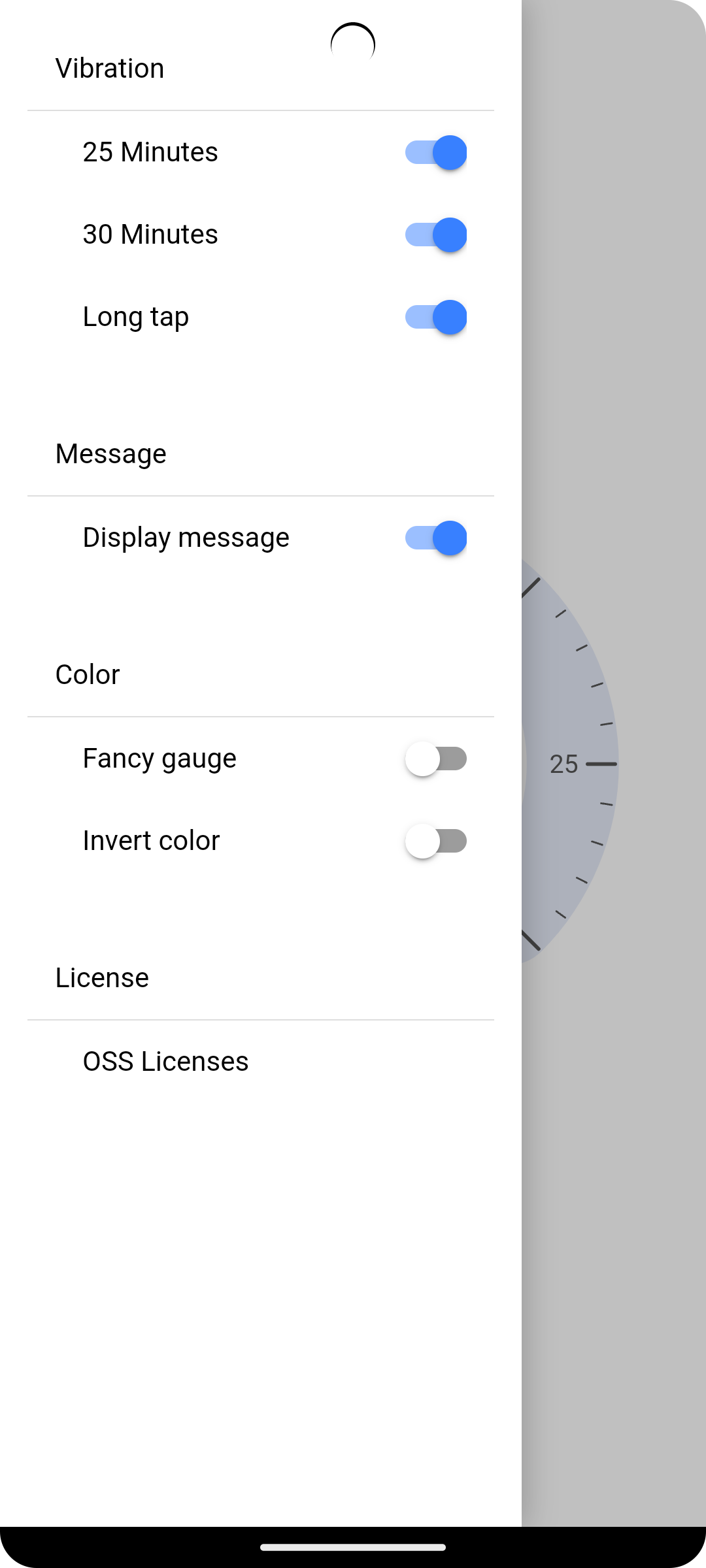 |
Distributed through Google Play Store.
- Windows 11 Pro
- Android Studio Giraffe
- Node.js v18.17.1
- git 2.42.0.windows.1
- ionic CLI 7.1.1
Install ionic CLI if not already installed.
npm install -g @ionic/cli@7.1.1
Clone the repository and build.
git clone https://github.com/ricmsd/pomodoro-mobile.git
cd pomodoro-mobile
npm install
ionic serve # test on browser.
ionic build
ionic cap copy
ionic cap open android
Then, select Device in Android Studio and run the application.